

Supplement Barcode Scanner
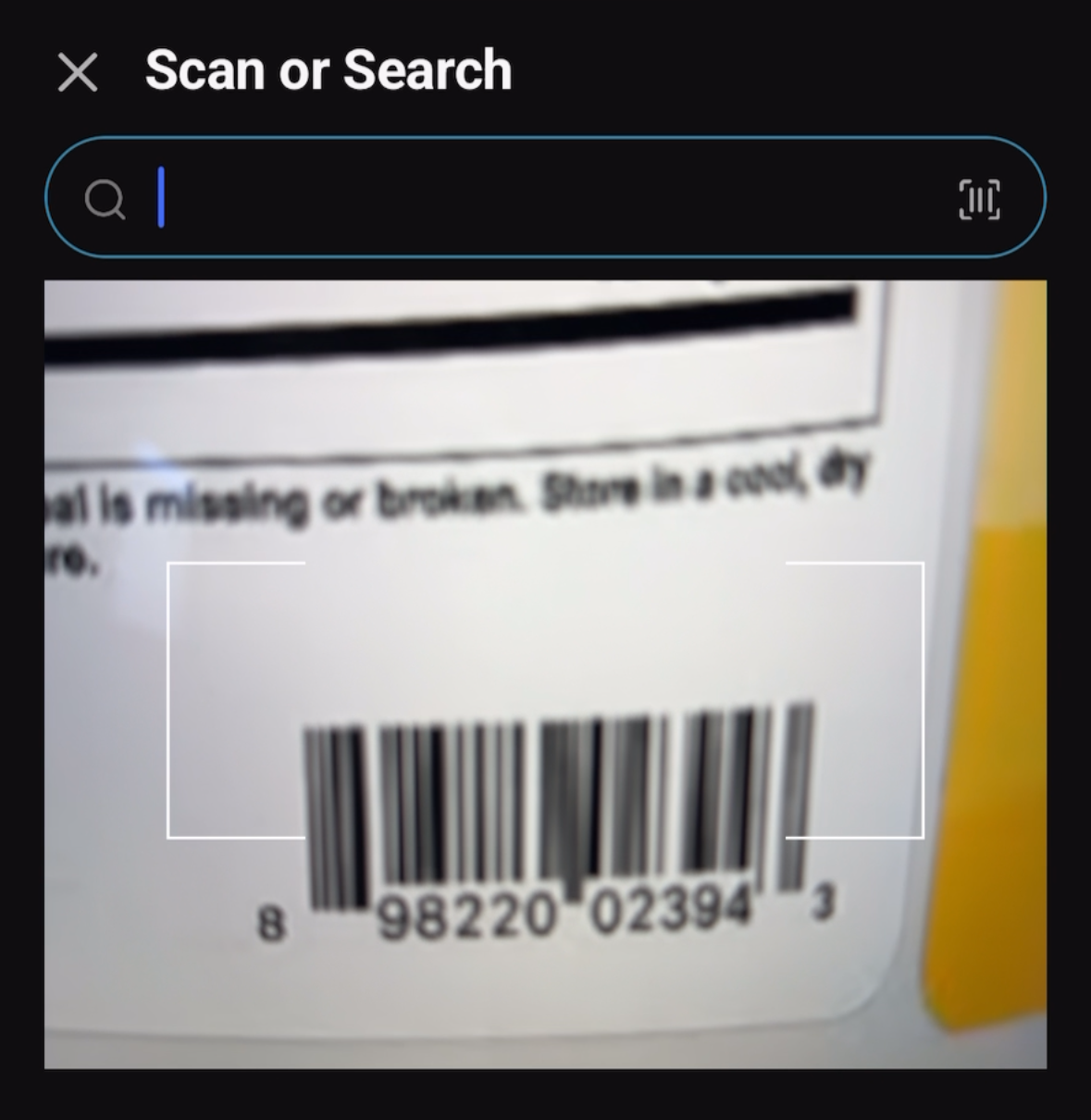
Use SuppTrack as a supplement scanner to skip the typing. Point the camera at the barcode on a bottle and the exact product comes back with its brand, serving size, flavor, ingredients and declared forms, ready to add to your routine in a couple of taps.
What the supplement scanner gets you
Scan it, don't type it
Point the camera at the bottle and the product is found and ready to add. No spelling out brand names or hunting through search results.
The exact bottle, not a lookalike
Size, count and flavor are matched separately, so your totals reflect the product you actually bought.
Works with the barcodes you'll actually meet
The one printed on the bottle, and the fulfillment labels Amazon sticks over it, which is where most scanners give up.
Add what you already own
Download SuppTrack and add a supplement by scanning its barcode.
Point the camera at the bottle in your hand, check the serving details, ingredients and forms that come back, then add it to your routine.


Currently available in the USA only. Outside the USA? Join our mailing list for regional launch updates.
Jump to: How scanning works • Which barcodes it reads • Why a barcode may not match • If it does not match • FAQs
How scanning works
- Open the scanner in the app and point the camera at the barcode on the bottle.
- The code is matched against our database of 192,000+ products, down to the specific size, count and flavor.
- Review the ingredients, forms and serving details, then add the product to your routine, a stack or a schedule.
Which barcodes it reads
Two kinds, which between them cover almost every supplement you are likely to own:
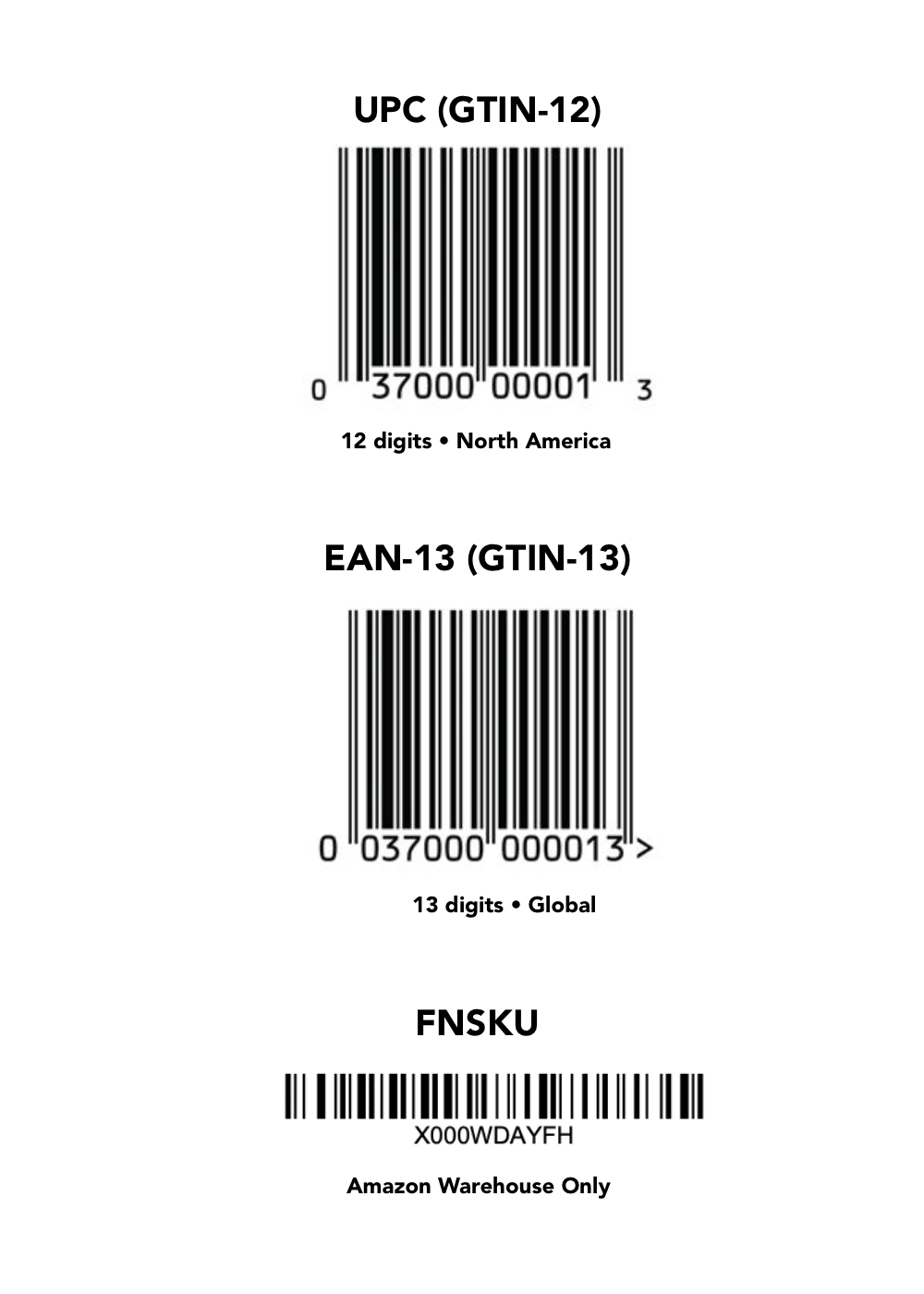
- The barcode printed on the bottle. The one the manufacturer put there, on packaging sold in the US (UPC and EAN formats, if you want the technical names).
- The sticker Amazon puts over it. Anything fulfilled by Amazon usually arrives with a white label covering the original barcode. SuppTrack reads those too, so a bottle that came in an Amazon box scans like any other.
It is a product scanner rather than a label reader. It looks the product up and pulls the stored record; it does not read the Supplement Facts panel with the camera, and it does not read QR codes that link to lot-specific lab results or certificates of analysis.
Why a barcode sometimes has no match
A barcode identifies one specific item for sale, not a product family. For supplements that distinction does real work, and it is why a bottle from a brand you would expect to be covered can still come back empty:
- Every version has its own barcode. The 60-count and the 180-count of the same product are different items, as are different flavors and bundle packs.
- Formulas change inside the same packaging. A brand can alter an ingredient or an amount while the label art and the barcode stay the same, so the bottle in your hand is always the authority.
- Imported bottles carry different barcodes. The same product sold in another country is usually a separate item with a separate code.
- Some small brands never register one. Direct-to-consumer and white-label products sometimes ship without a listed barcode at all.
If the barcode does not match a product
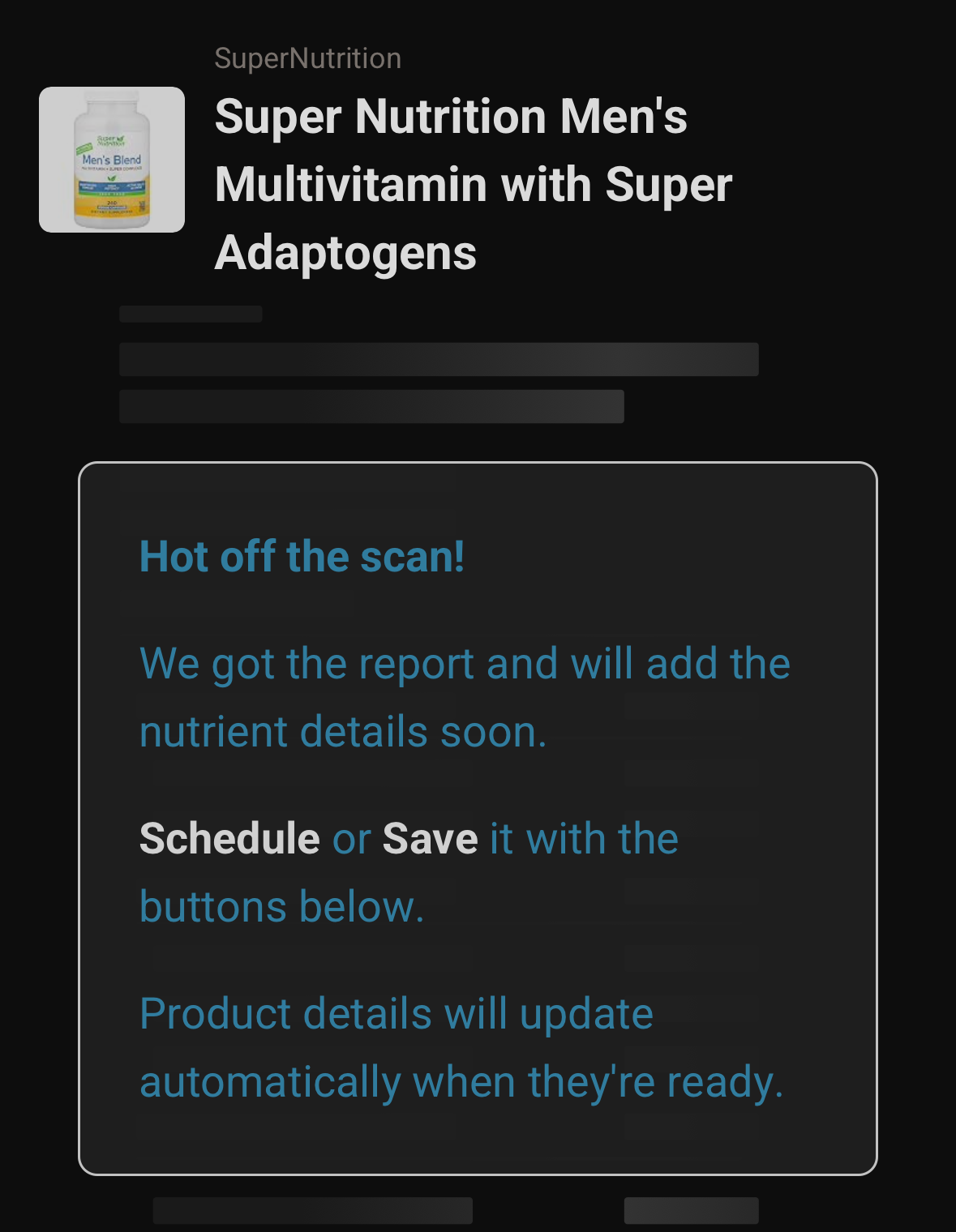
You can still add it. Report the product from inside the app with its barcode, brand and name, then add it to your shelf, a stack or your schedule and start tracking it right away.
We check what comes in and add the product to the database. When that happens, the product already sitting in your app updates by itself and its ingredients, forms and amounts appear. You do not have to add it a second time or go looking for it.
Scan or search?
Scan when the bottle is in your hand, because it matches the exact variant without typing anything. Use search when you are comparing options, browsing a brand, or the product is not in front of you. Either way the product record is the same, and both routes land in your daily nutrient totals.
FAQs
What if the product isn't found?
Report it from inside the app with the barcode, brand and product name, then add it to your shelf, a stack or your schedule right away and keep tracking it. Once we add the product to the database, the entry in your app fills in automatically with its ingredients, forms and amounts.
Which barcodes are supported?
UPC and EAN, the standard barcodes printed on the bottle, plus Amazon FNSKU fulfillment stickers. Between them that covers almost every supplement sold in the US.
Can I change the amount after scanning?
Product details come from the label and cannot be edited. When you put a product on your schedule you set the intake amount you actually take, and your totals follow that rather than the default serving.
Can I scan a QR code to see lab results for my lot?
No. The scanner reads product barcodes to identify which supplement you are holding, not lot-specific QR codes linking to certificates of analysis or third-party lab results. For a COA on a particular lot, ask the brand.
Does it work on Amazon bottles with a sticker over the barcode?
Yes. Products fulfilled by Amazon usually arrive with a white label covering the original barcode, and most scanners fail on those. SuppTrack reads them as well as the standard barcode underneath, so the bottle still finds the right product.
Related features: Supplement Search • Vitamin Tracker • Stack Builder
Start with what is already in the cupboard
Install SuppTrack and scan your way through the shelf in a few minutes.
Scan each bottle you own, check the product that comes back, and put it straight into a stack or a schedule.
Currently available in the USA only. Outside the USA? Join our mailing list for regional launch updates.