

StackAdvisor: An AI Second Opinion on Your Stack
StackAdvisor reads today's schedule and tells you three things: what in your stack works well together, what is worth double-checking, and whether each dose is landing at a sensible time.
A second set of eyes on what you are already tracking, using your real servings and the ingredient forms behind them.
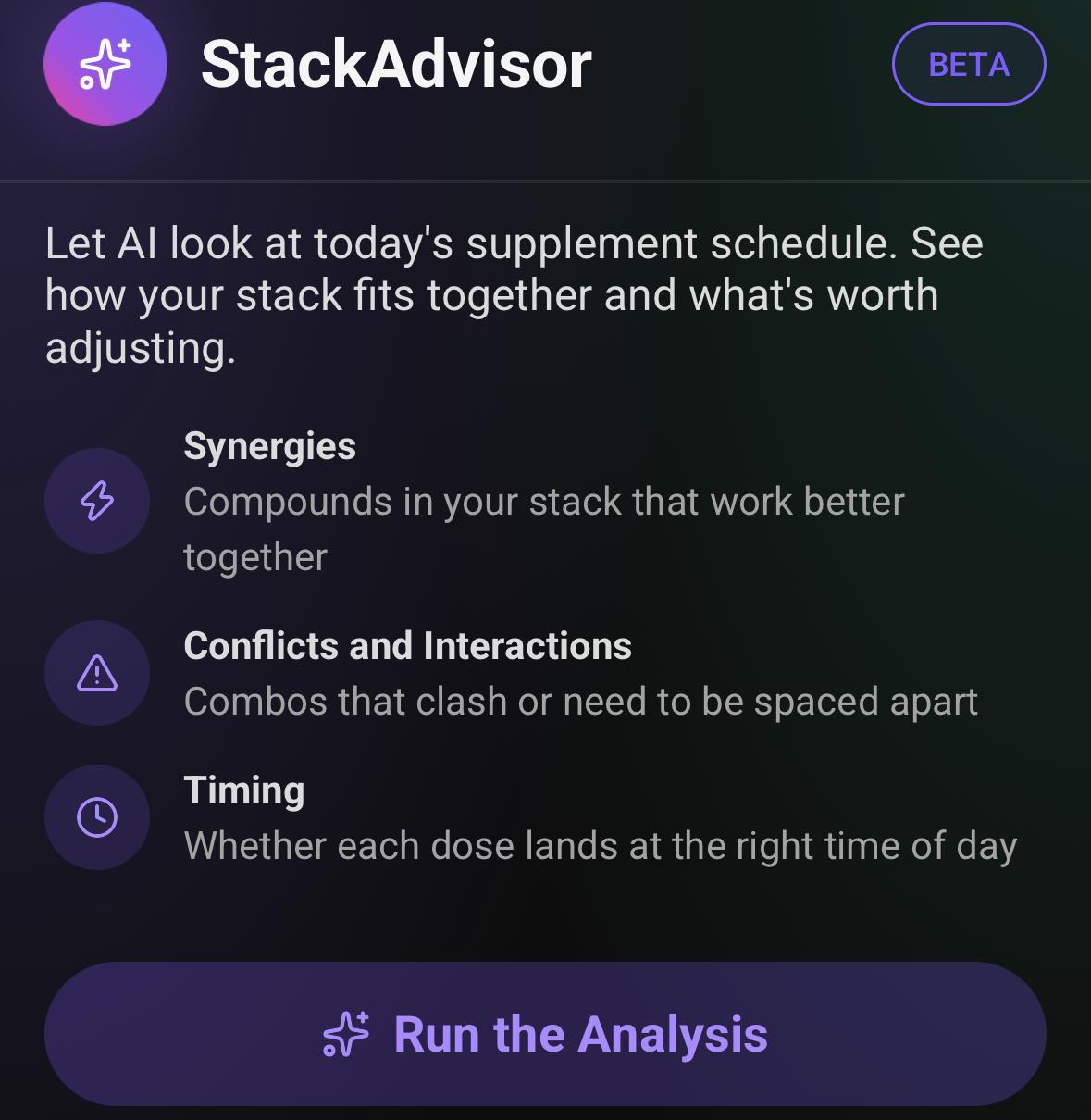
What it looks at
Synergies
Compounds in your stack that work better together.
Conflicts and interactions
Combinations that clash, or that are usually spaced apart.
Timing
Whether each dose lands at a sensible time of day.
Get a second look at your stack
Download SuppTrack to run StackAdvisor on your daily supplement stack.
Get notes on what's working well together and what's worth a closer look, generated from the products you already track.


Currently available in the USA only. Outside the USA? Join our mailing list for regional launch updates.
Jump to: How a run works • The summary • Full analysis • Where it fits • FAQs
How a run works
- Open StackAdvisor and press Run the Analysis. It reads the schedule you already keep, so there is nothing to fill in.
- You get a short summary first: the handful of things worth knowing about today's stack, in plain sentences.
- Tap through for the full analysis, or send it on. The export opens the same share sheet as a supplement report, so it can go straight to whoever you want to read it.
It names your products and your numbers
It names your products and your numbers. A run might point out that cumulative zinc across two products reaches about 48 mg against a 40 mg upper limit, or that several items are stacked in the evening and a couple would sit better earlier. That only works because it is reading the real schedule, with the real servings and the real ingredient forms behind them.
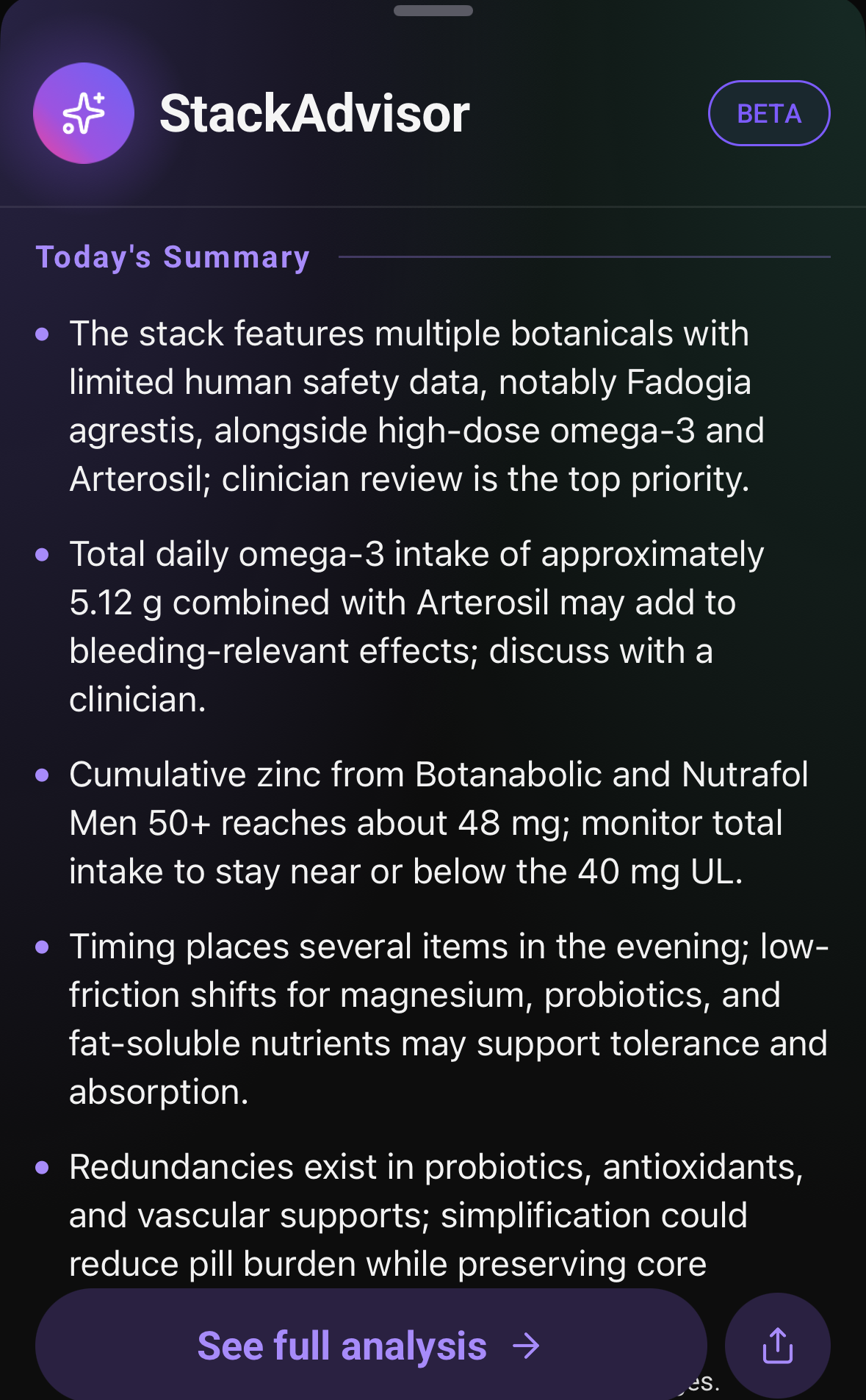
The full analysis, grouped by what you would act on
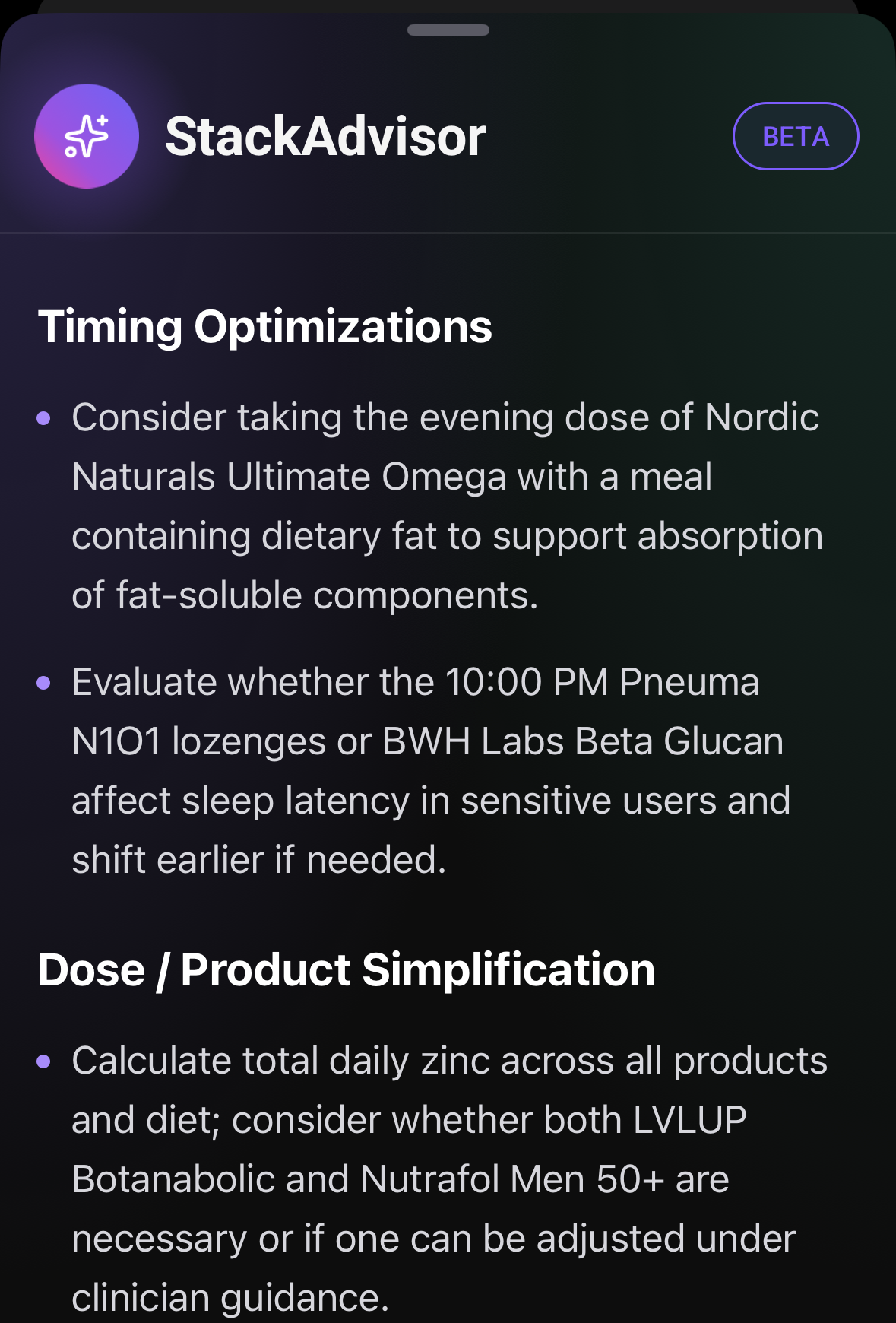
Timing optimizations, dose and product simplification, and optional monitoring. The grouping matters more than the length: it separates what you could change tonight from what is worth raising at your next appointment.
Where StackAdvisor fits
StackAdvisor is an AI reading your stack and offering a second opinion. It is good at spotting overlap and timing you would not think to check. It is in beta, it can make mistakes, and it says both in the app. For anything that depends on your history, your clinician is the one to ask.
The analysis takes the same line. When it raises something that matters, it tends to end with discuss with a clinician, which is deliberate: what it hands you is a specific question to bring to that conversation, backed by the actual numbers from your routine. It covers supplement-to-supplement combinations only, so anything involving prescription medication belongs with a pharmacist or doctor.
FAQs
What does StackAdvisor actually look at?
The supplement schedule you already keep in the app: which products you take, the servings you set, the ingredient forms behind them and the times of day. It looks for synergies, conflicts and interactions, and whether the timing makes sense.
Is this medical advice?
No. StackAdvisor is in beta, it can make mistakes, and it says so in the app. It gives you a specific question to raise with a clinician, backed by the real numbers from your routine, rather than telling you what to take.
Is it a drug interaction checker?
No. It looks at supplement-to-supplement combinations in your own stack. For anything involving prescription medication, ask a pharmacist or doctor.
Can I share the analysis?
Yes. Export opens the standard share sheet, the same one used for a supplement report, so you can email it, message it, print it or save it to Files.
Does it change when my stack changes?
Yes. Each run reads your schedule as it stands that day, so adding a product, changing a serving or moving a time gives you a fresh read.
Related features: Stack Builder • Supplement Search • Vitamin & Mineral Tracker
Before you take today's stack
Install SuppTrack and let StackAdvisor review your routine.
Build your stack as usual, then get an AI-generated read on what's worth a second look, whenever you want one.
Currently available in the USA only. Outside the USA? Join our mailing list for regional launch updates.